AI-powered project management for contractors
Cut Paperwork, Not Corners
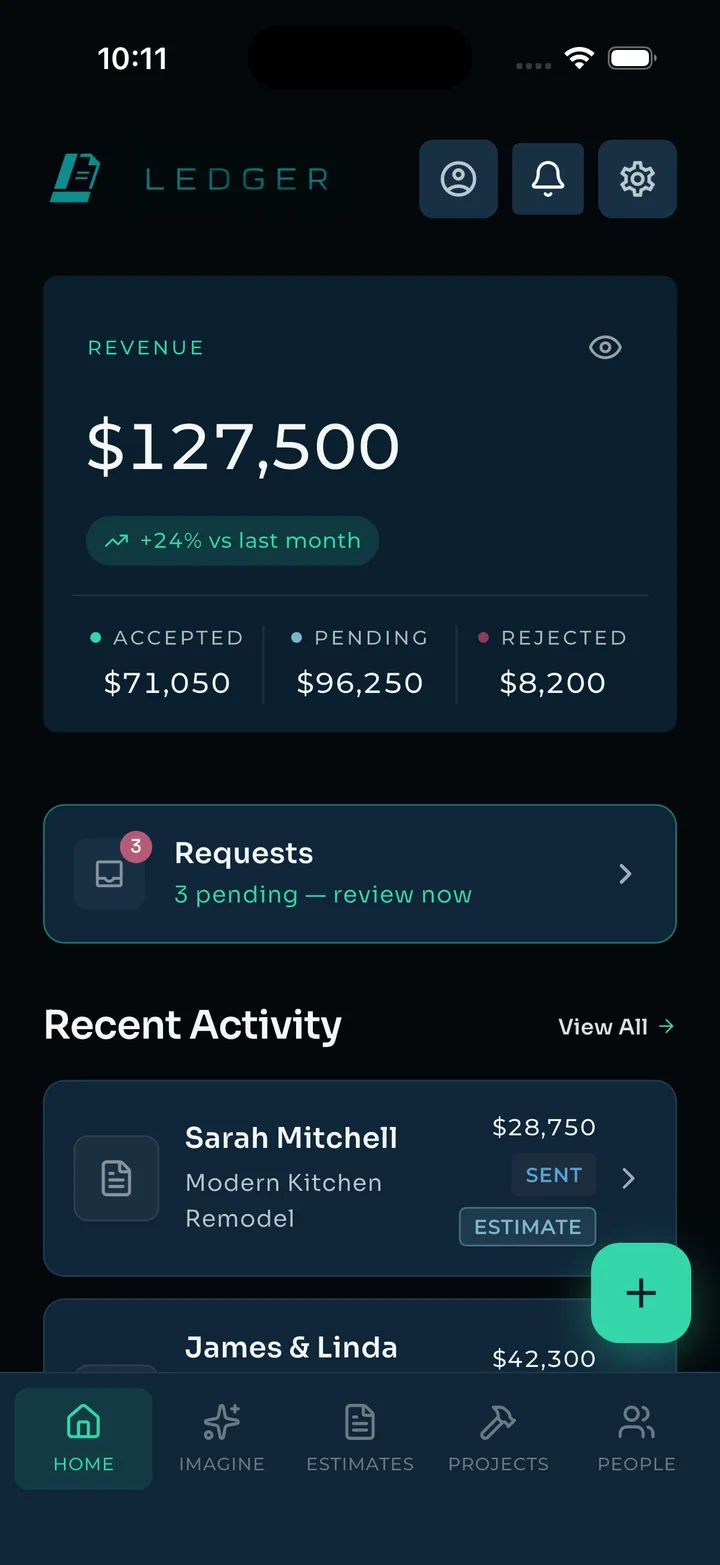
From the first estimate to the final payment, Ledger runs the busywork — AI estimates, job costs, receipts, crew pay, and client payments, all in one place.
Early access · iOS & Android
0×
faster than spreadsheet estimates
0
trade specialties priced
0%
mobile — runs from your phone
Early access
limited early spots
How it works
Estimate. Build. Get paid.
Describe the job
Plain words or photos from the walkthrough. Ledger asks the follow-up questions a good estimator would, then routes the work across the right trades.
Send an estimate that closes
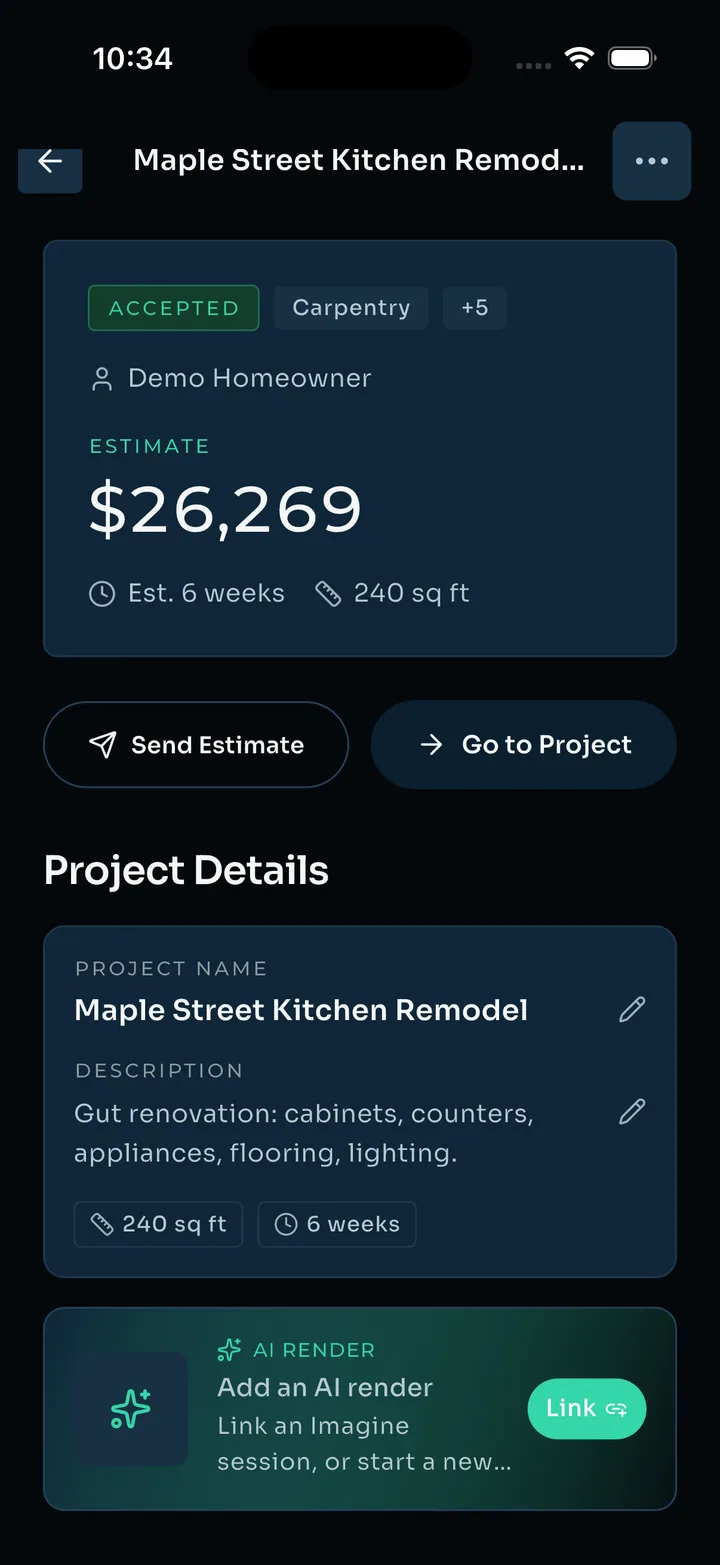
Materials and labor priced line by line, with your markup. Your client gets a clean share link — they review and accept right from their phone.
Run the money
Budget vs. actual in real time. Receipts scanned and split across jobs. Crew hours, invoices, and ACH payments — all in one place.
Live demo — try it yourself
Price a real job, right now.
The same estimating engine our contractors use is open for a test drive. Describe any project in plain words — a deck, a bathroom, a fence line. Ledger asks the follow-up questions a good estimator would, then prices it out in about a minute.
Free · No account · No sales call
Imagine — AI renders
Show them the after, before you start.
Snap the space and describe the remodel. Ledger renders the finished work so your client sees their own kitchen — not a stock photo. No other estimating tool does this.
- Vision-grounded — renders start from your photo of the actual space
- Refine in chat — "make the island walnut" gets you a new render in seconds
- Attach renders straight to the estimate your client reviews


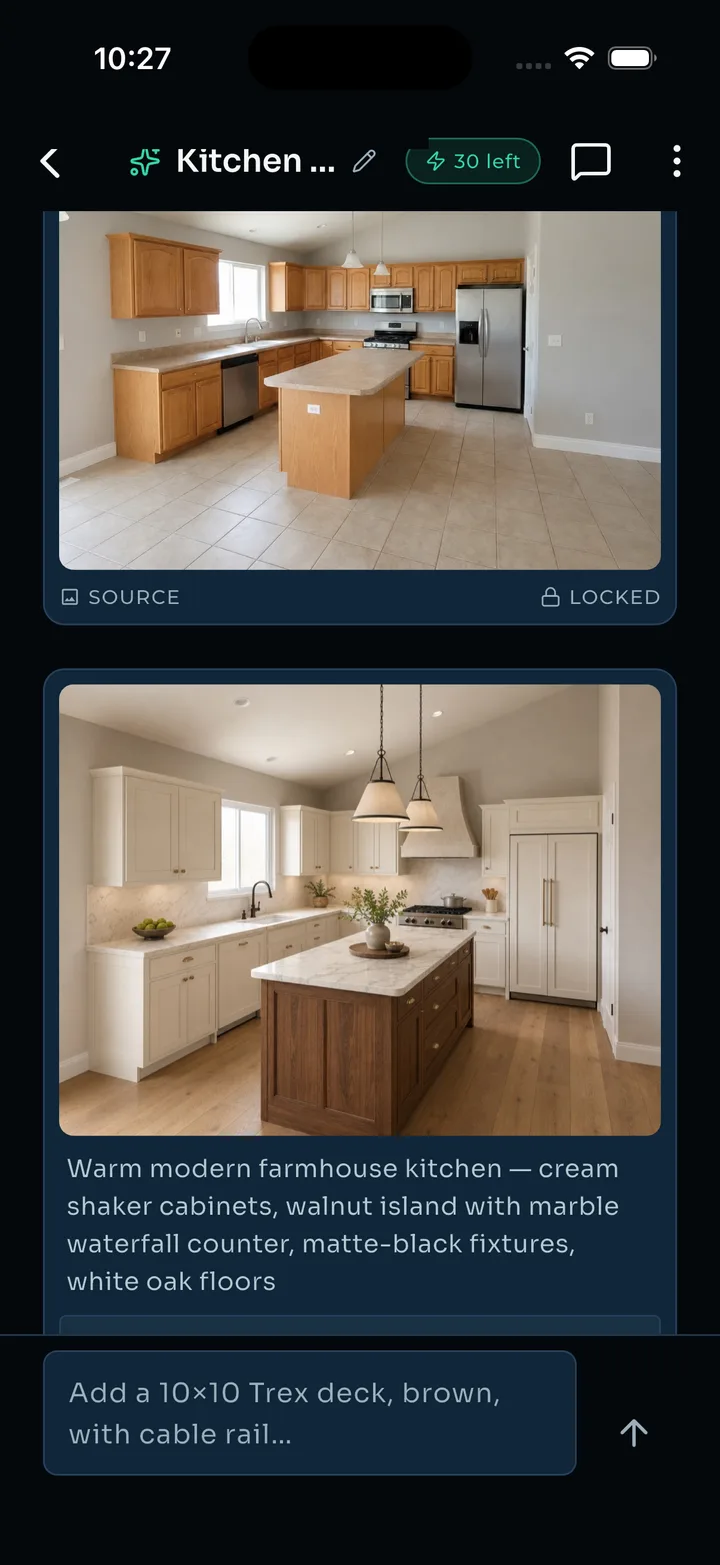
Drag to compare — kitchen remodel rendered by Ledger
Estimates & invoices
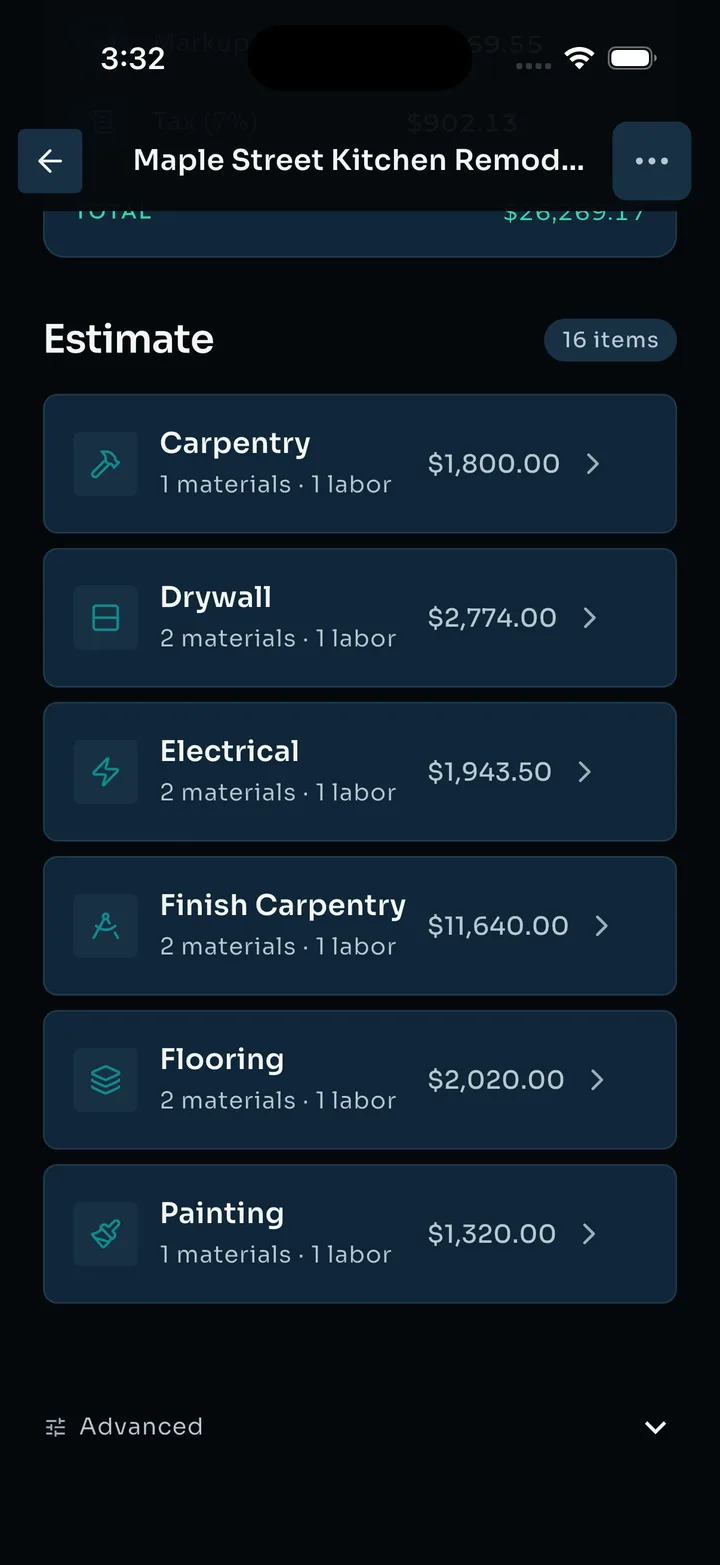
Estimates that look like you mean business
Polished, line-item estimates your clients can read — and accept — from a single link. When scope moves, the paperwork keeps up.
- Materials and labor itemized, with your markup
- Change orders and allowances built in
- Client share links — no login, no PDF wrestling
- Version history when the plan changes
Job costs
Every dollar, accounted for
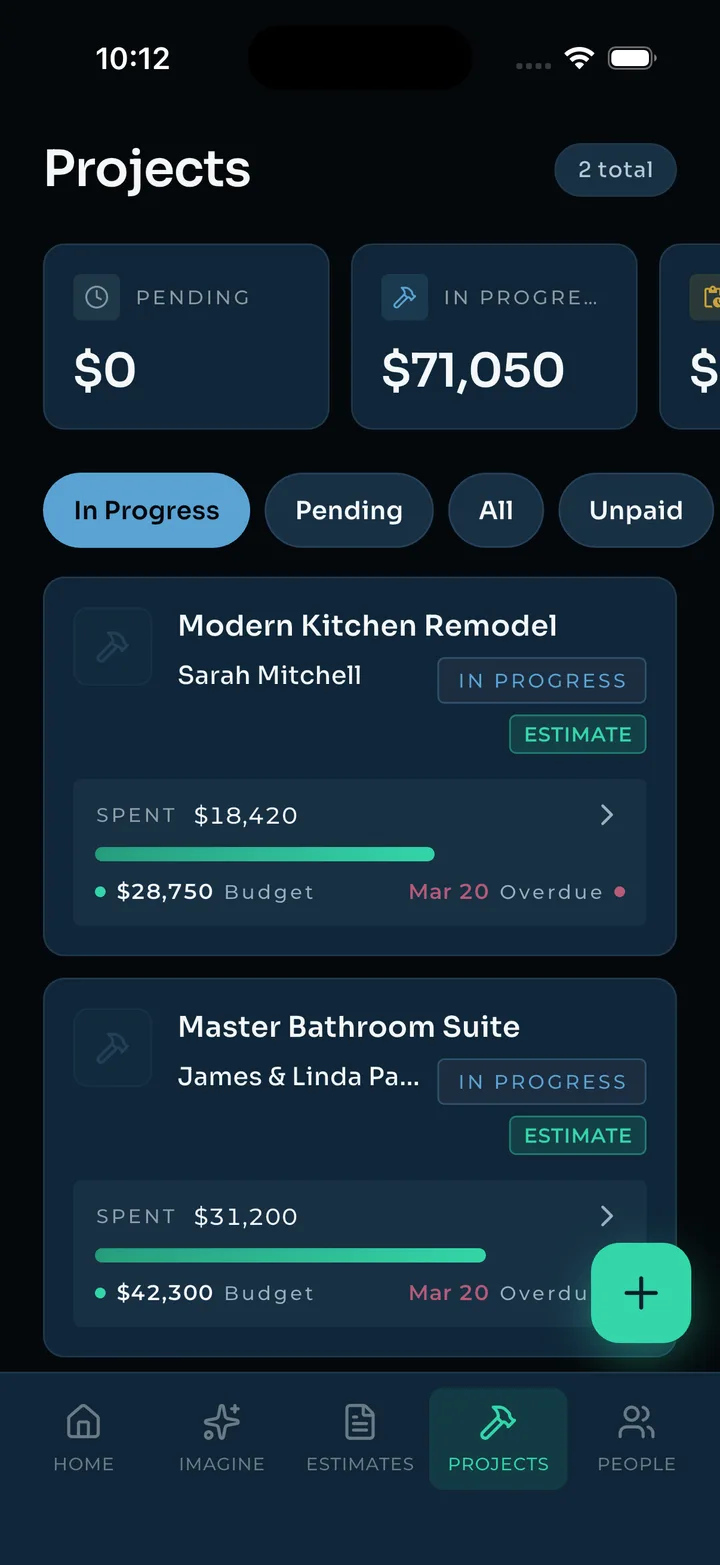
Estimating wins the job; tracking keeps the profit. Ledger watches budget vs. actual on every project so you know where you stand before it's too late to fix.
- Live budget vs. actual, per project
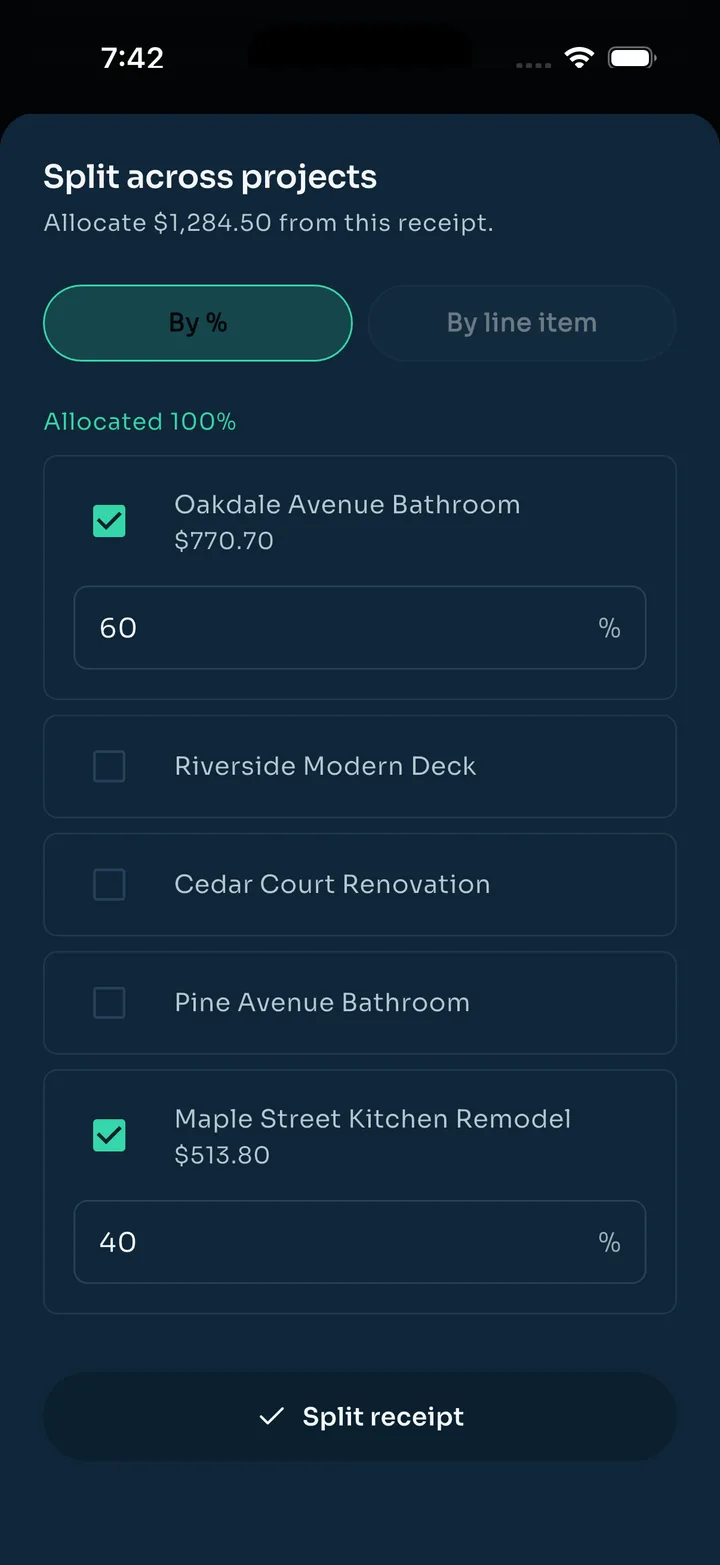
- Snap a receipt — AI itemizes it for you
- Split one receipt across jobs, line by line
- Invoices and payments at a glance
Analytics & payments
See the whole year, not just this week
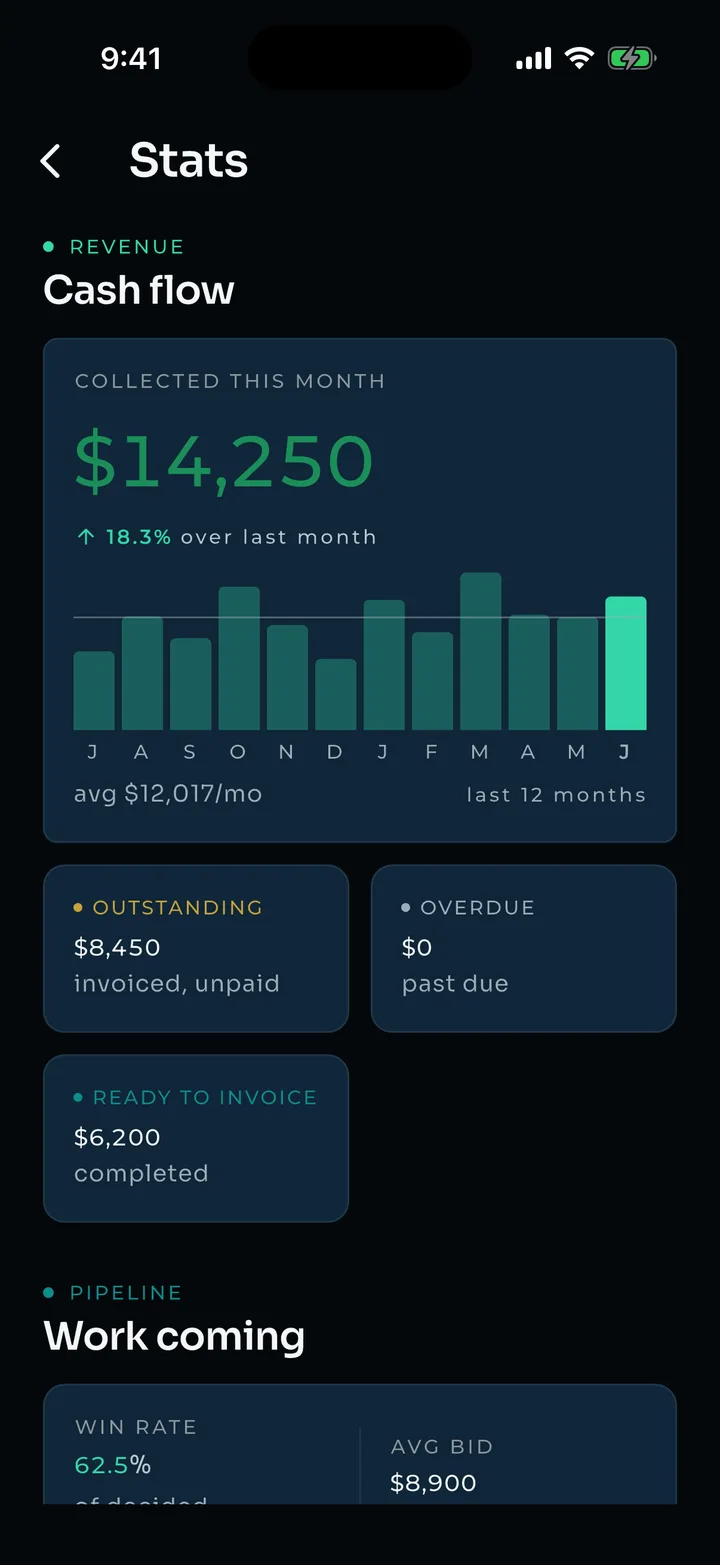
Revenue, pipeline, and win rate over time. And when the job closes, get paid by ACH without giving up a card-processing cut.
- Cash collected, charted across the year
- Outstanding, overdue, ready to invoice — at a glance
- ACH payments: 2.5%, capped at $10
Crew & subs
Run the whole job site, not just your half.
Your subs, partners, and crew are in Ledger with you. Send work, settle the number, track the hours, make the payroll — without a group text in sight.
Send sub-jobs
Scope and price straight to a partner in the app. They get pinged, you get an answer — accept, counter, or pass.
Negotiate in one thread
Proposals and counters tracked per job. When you shake on a number, it lands in your project budget automatically.
Hours on the job
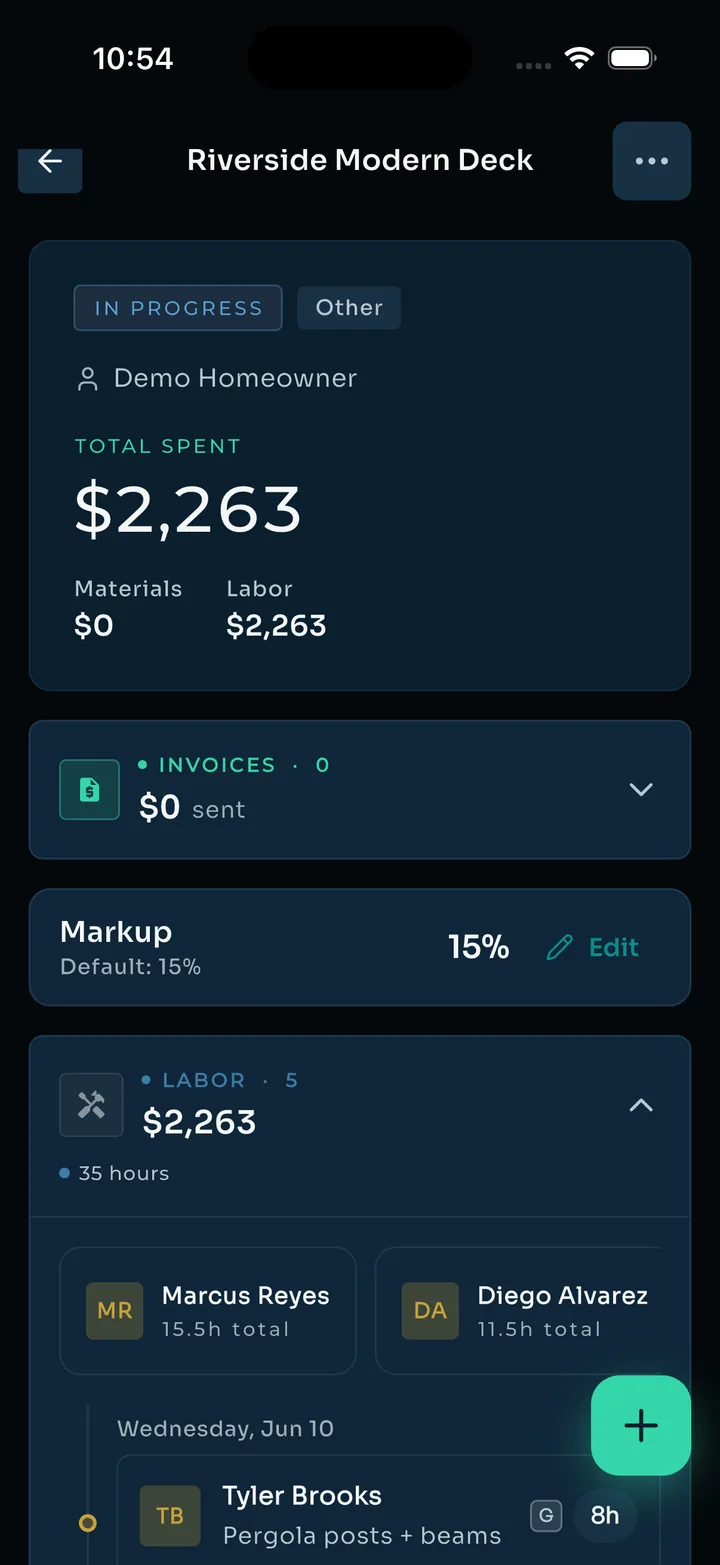
Your crew joins with an invite and logs time against the project. Labor budget updates as they work.
Payroll without the spreadsheet
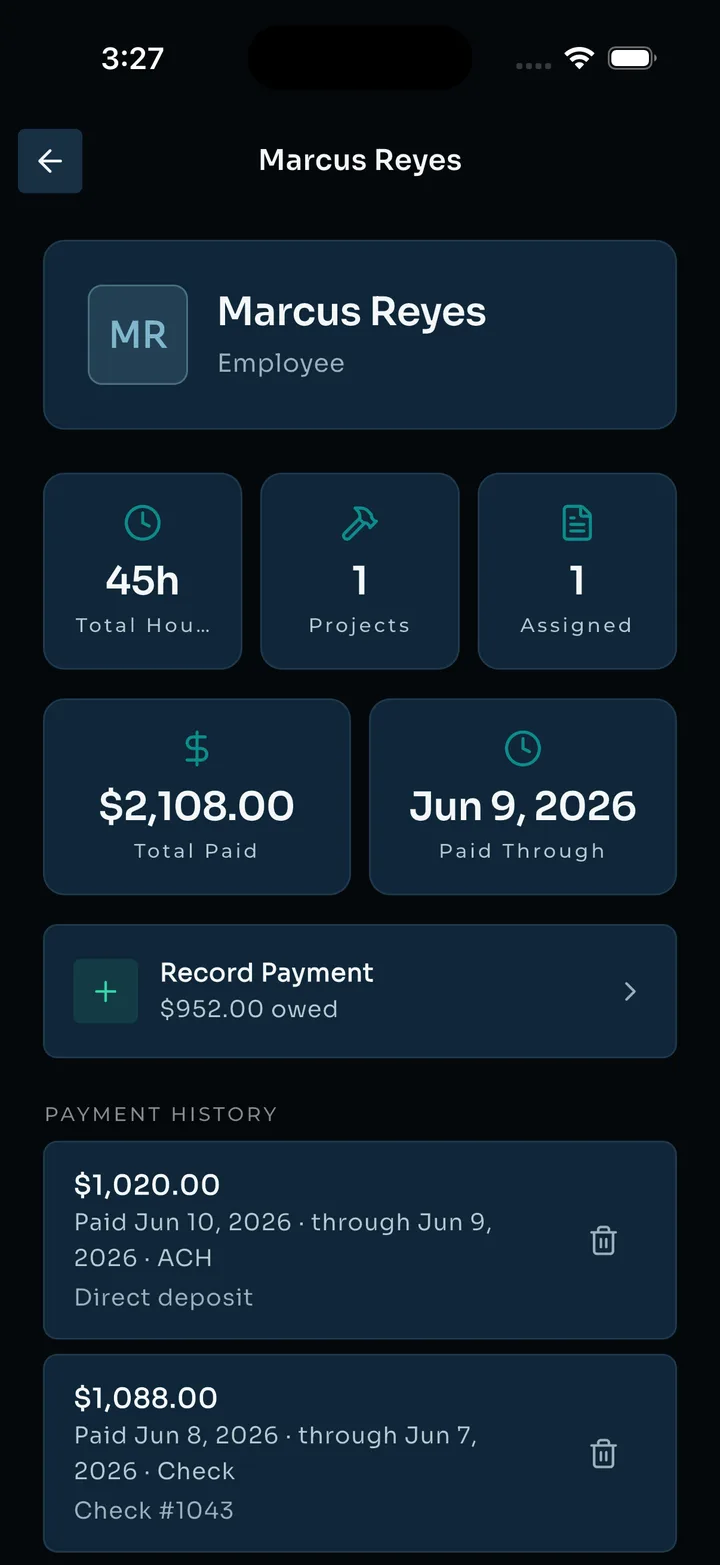
Pay your people and see total paid, paid-through, and full history — per employee, per project.
Early access
Get on the list.
We're letting contractors in a few at a time. Tell us where to reach you and we'll hold your spot.